• Getting started
      • First project
      • Team
        • Components
          • Blocks
          • Inserts
        • Features
          • Assistant
          • Workflows
          • Profiles and voice
          • Rules
          • Projects and roles
          • Integrations

Shared workflows are here: reuse one setup across every Acme project.Learn more

Acme Acme
  • Features
    Features
    • Create

      Create

      • Answers & drafts
      • Repeatable steps
      • Integrations
    • Shape and share

      Shape and share

      • Profiles and brand voice
      • Rules
      • Shared projects and roles
  • Resources
    Resources
    • Documentation

      Documentation

      • Getting started
      • Your first project
      • Components
      • Team and permissions
    • Company

      Company

      • About
      • News
      • Wall of love
      • Changelog
      • Contact
    • Explore

      Explore

      • Assistant
      • Guides
      • Product updates
      • FAQ
  • Pricing
    Pricing
Log in Try Acme
    • Getting started
      • First project
      • Team
        • Components
          • Blocks
          • Inserts
        • Features
          • Assistant
          • Workflows
          • Profiles and voice
          • Rules
          • Projects and roles
          • Integrations
Components

Blocks

Markdown
Explore with AI
  • Open in ChatGPT
  • Open in Claude
  • Open in Gemini
  • Open in Perplexity
  • Open in Grok
  • Open in DeepSeek

Blocks are components markdown has no syntax for. They are written as block comments on their own lines, and the publisher keeps them byte for byte. Each example below is followed by its source.

Callouts

A callout holds any HTML inside: paragraphs, lists, code. Four variants set the colour and the default icon.

info
Profiles are per project

What you write into a profile is read by every request in that project only. Another project keeps its own voice.

check_circle
Saved

The workflow was copied into three projects. Each copy reads the profile of its new project.

warning
Check before you send

Drafts can contain wrong names, dates or prices. Check them against the source:

  • names and titles
  • dates and deadlines
  • prices and discounts
clear
Deleting a project cannot be undone

Export the project first if you may need its conversations later.

lightbulb
Tip

Save a correction you make every week as a rule in the profile, and stop typing it.

<!-- onpress/frame {"name":"callout--warning","title":"Check before you send"} -->
Drafts can contain wrong names, dates or prices.
<!-- /onpress/frame -->

Alerts

An alert is a one-line notice with a title and a short description. It takes no inner HTML.

info
New in September
Workflows can now be copied between projects.
check_circle
All systems normal
Every Acme service is working as expected.
warning
Scheduled maintenance
Image generation pauses for ten minutes on Sunday at 06:00 UTC.
clear
Invitation expired
Ask an admin of the workspace to send a new one.
<!-- onpress/frame {"name":"alert--info","title":"New in September","description":"Workflows can now be copied between projects."} /-->

Steps

Steps number themselves. Each step holds ordinary blocks: paragraphs, lists, code, images.

Set up a workspace

  1. Create a project

    Choose New project and give it a name you will recognise in a list.

  2. Write the profile

    Paste your website address or describe the work in three or four lines.

  3. Invite the team

    Open Workspace → Members and send the invitations.

<!-- onpress/frame {"name":"steps","headline":"Set up a workspace"} -->
### Create a project

Choose **New project** and give it a name.
<!-- /onpress/frame -->

Tabs

Tabs switch without reloading the page. Each tab has a label, a title, a description and an optional HTML body.

In the browser
Open the workspace at any address you were invited to.

Nothing to install. Sign in to keep projects across devices.

Desktop app
The same workspace in its own window, with system notifications.

Available for macOS and Windows.

From your code
Create projects and run workflows over HTTP.

Every request needs a personal token, issued in the profile.

<!-- onpress/frame {"name":"tabs","data":{"items":[{"id":"web","label":"Web","title":"In the browser","description":"…","content":"…"}]}} /-->

Cards

Cards link to other pages. They can be written by hand, as here, or filled from child pages or a topic.

rocket_launch
Getting started
How Acme is organised and what to set up first.
school
Your first project
A worked example from brief to draft.
group
Team and permissions
Invite people and choose their role.

The same block filled from the children of the current page:

description
Inserts
Questions and answers, embedded frames, values and lists from data — inserts that are filled in when the page is built.
<!-- onpress/frame {"name":"cards","data":{"items":[{"icon":"rocket_launch","title":"Getting started","description":"…","url":"/docs/"}]}} /-->

Buttons

Start freearrow_forwardSee pricingsell
<!-- onpress/frame {"name":"buttons","data":{"items":[{"text":"Start free","link":"/assistant/","class":"btn btn--icon-after","icon":"arrow_forward"},{"text":"See pricing","link":"/pricing/","class":"btn btn--outline"}]}} /-->

Gallery

A grid of images that open full size on click.

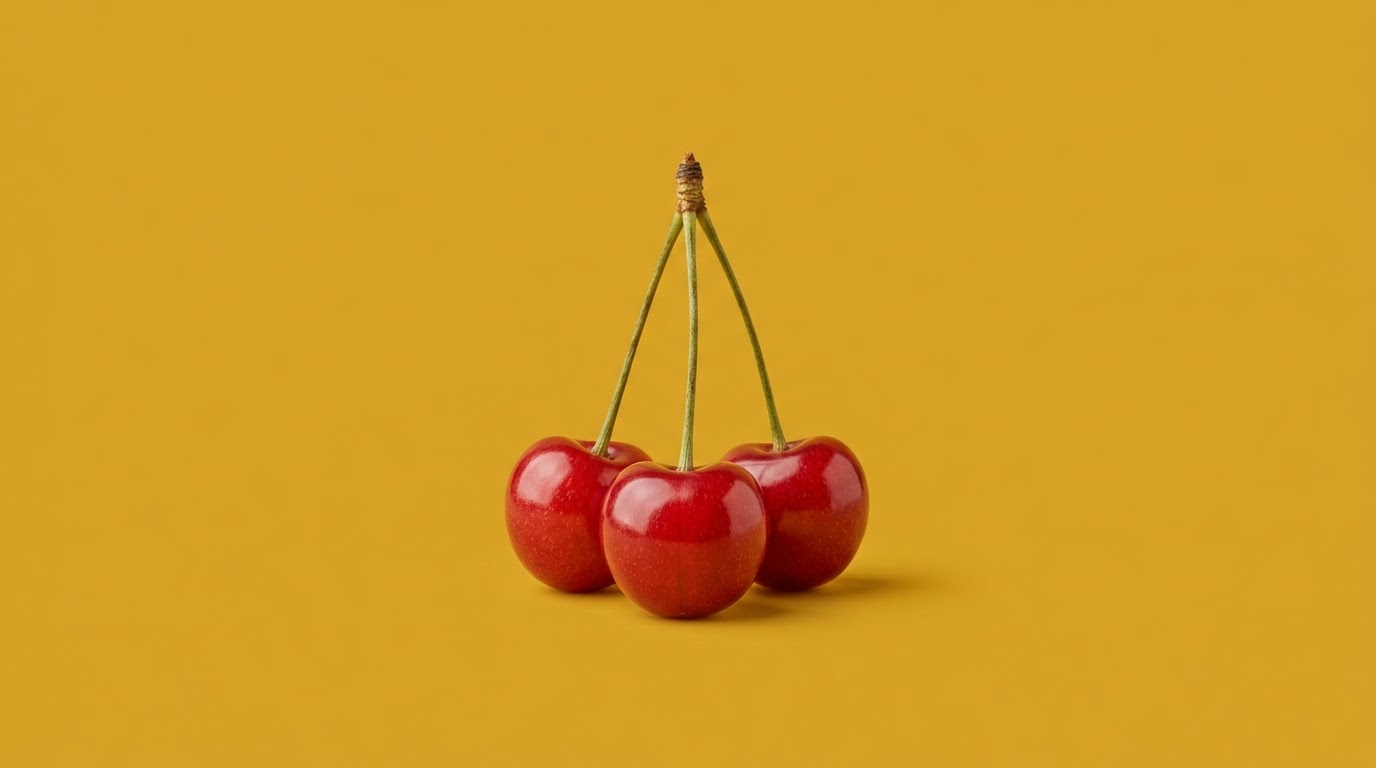
A sharpened pencil on a blank notebook, on a coral backgroundA key ring with three keys, on a teal backgroundThree ripe cherries on one stem, on a mustard background
<!-- onpress/frame {"name":"gallery--lightbox","data":{"items":[{"img":"/wp-content/uploads/…/one.webp","alt":"…"}]}} /-->

Charts

Charts are drawn as SVG on the server: no scripts, readable by search engines and screen readers.

Drafts created per week

All projects in a sample workspace, last six weeks

Drafts created per weekAll projects in a sample workspace, last six weeks106846342210W1W2W3W4W5W6Drafts
Drafts created per week

Requests by type

Requests by type341273205136680AnswersDraftsPlansSummariesThis monthLast month
Requests by type
<!-- onpress/frame {"name":"chart--requests-by-type"} /-->

FAQ block

The block form of questions and answers, with the answers stored in its attributes. For questions written as markdown in the page body, see the FAQ insert.

No. Block attributes hold plain text or HTML; markdown is converted only in the page body.
Yes. Exporting a page to markdown returns every block comment exactly as it was published.
<!-- onpress/frame {"name":"faq-items","data":{"items":[{"question":"…","answer":"…"}]}} /-->

Raw HTML

Anything else can go into an HTML block. It is printed as it is.

⌘Kopens the command menu in the workspace.
<!-- onpress/frame {"name":"shortcut","data":{"keys":["⌘","K"],"text":"opens the command menu."}} /-->
arrow_backPrevious
Components
Nextarrow_forward
Inserts
On this page
  • Callouts
    • Alerts
      • Steps
        • Set up a workspace
          • Create a project
            • Write the profile
              • Invite the team
            • Tabs
              • Cards
                • Buttons
                  • Gallery
                    • Charts
                      • FAQ block
                        • Raw HTML
                        1. Home
                        2. Getting Started
                        3. Components
                        4. Blocks
                        Acme Acme
                        Acme — an AI workspace for everyday work. It drafts and plans; you check and decide.

                        Contact hello@acme.example
                        • Acme on X
                        • Acme on LinkedIn
                        • Acme on YouTube
                        Product
                        • Assistant
                        • Pricing
                        • Changelog
                        Company
                        • About
                        • News
                        • Guides
                        • Product updates
                        • Wall of love
                        • Contact
                        Help
                        • FAQ
                        • Terms of Use
                        Docs
                        • Getting started
                        • Your first project
                        • Team and permissions
                        • Components
                        • Blocks
                        • Inserts
                        © 2026 Acme.All rights reserved. Sitemap
                        Terms of Use FAQ Contact

                        Cookies on this site

                        We use cookies to keep the site working and to understand how it is used. Learn more

                        Blocks